
How to Set Up Payroll Software: A Step-by-Step Tutorial for Canadian Entrepreneurs
Understanding the Basics of Payroll Software
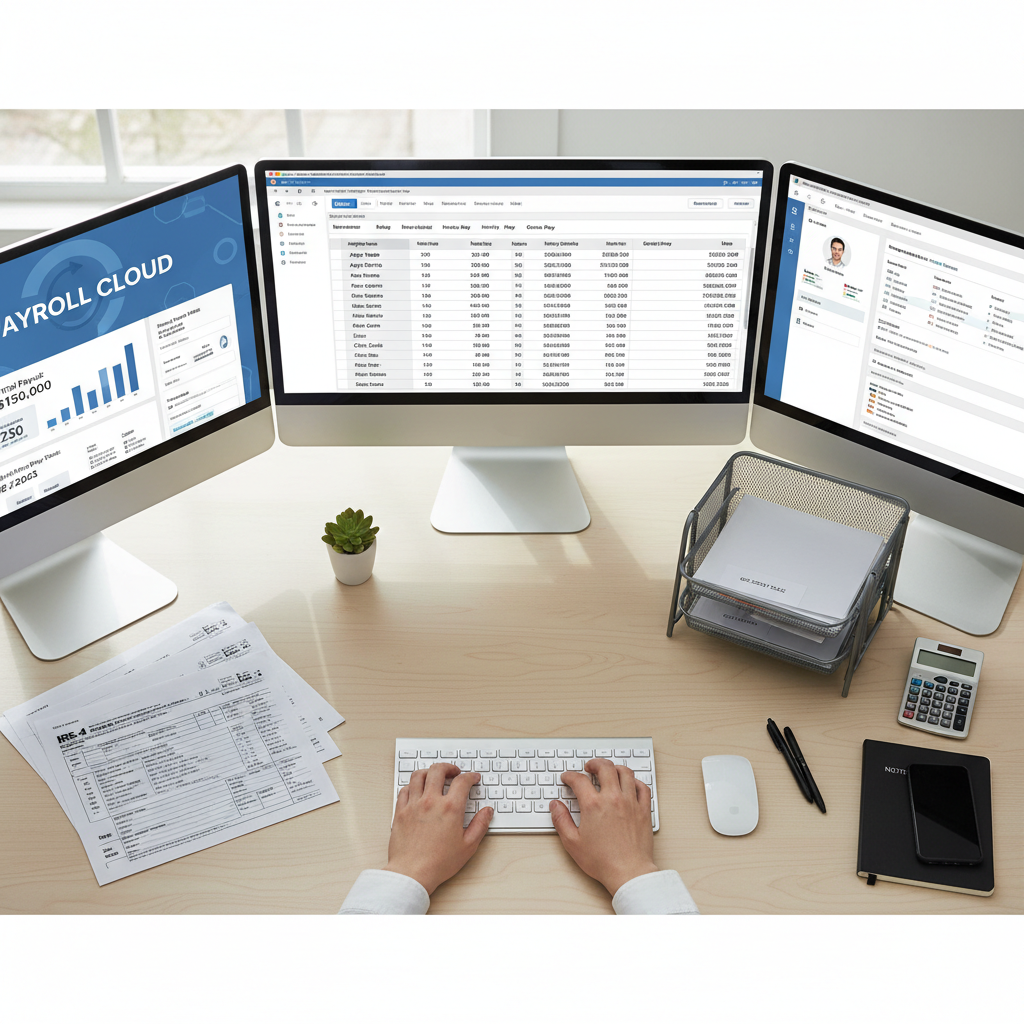
Setting up payroll software might seem daunting, but it's an essential step for Canadian entrepreneurs looking to streamline their business operations. Payroll software automates the payroll process, ensuring employees are paid accurately and on time, while also handling tax calculations and deductions. This guide will walk you through the setup process in a simple and straightforward way.
Choosing the Right Payroll Software
Before diving into the setup, it's crucial to select the right payroll software for your business needs. Consider factors such as the size of your business, the complexity of your payroll, and your budget. Popular options in Canada include QuickBooks, Wagepoint, and Ceridian Dayforce. Each offers unique features, so take the time to research and compare.
Gathering Necessary Information
Once you've chosen your software, gather all necessary information about your employees and business. This includes employee names, social insurance numbers, salary details, and banking information. You'll also need your business number and any relevant tax information. Having these details ready will make the setup process smoother and more efficient.

Setting Up Your Payroll Software
Now that you have all the necessary information, it's time to set up your payroll software. Follow these steps to ensure a seamless setup:
- Install the Software - Download and install your chosen payroll software on your computer or access it through a web-based platform.
- Create a Company Profile - Enter your business details, including your business number and address.
- Add Employee Information - Input each employee's details, including salary, tax deductions, and banking information.
Configuring Payroll Settings
Next, you'll need to configure the payroll settings to match your business requirements. This includes setting pay periods, calculating tax withholdings, and determining any additional deductions or benefits. Ensure you comply with Canadian tax laws and regulations by consulting with a tax professional if necessary.

Running Your First Payroll
Once everything is set up, it's time to run your first payroll. Double-check all entries to ensure accuracy. Most payroll software will have a preview option, allowing you to review the details before finalizing the payroll. Once satisfied, process the payments to your employees' accounts.
Maintaining Payroll Records
After processing your payroll, maintain accurate records for future reference and compliance. Most software will automatically generate reports, but it's a good practice to back up all data. Regularly update employee information and review your payroll settings to accommodate any changes in employment or tax laws.

Conclusion
Setting up payroll software doesn't have to be complicated. By following these steps and choosing the right software for your needs, you can ensure a smooth and efficient payroll process. Regular maintenance and updates will keep your system running effectively, allowing you to focus on growing your business.